edan4d brings your Indonesia lobby together
Live Baccarat, Sic Bo, Rocket Crash, slots, and sportsbook access sit in one account, with DANA, OVO, GoPay, and QRIS ready for Indonesia payments.

Browse casino and slots first
Start with the casino and slots shelves when you want a quick read of what is open.


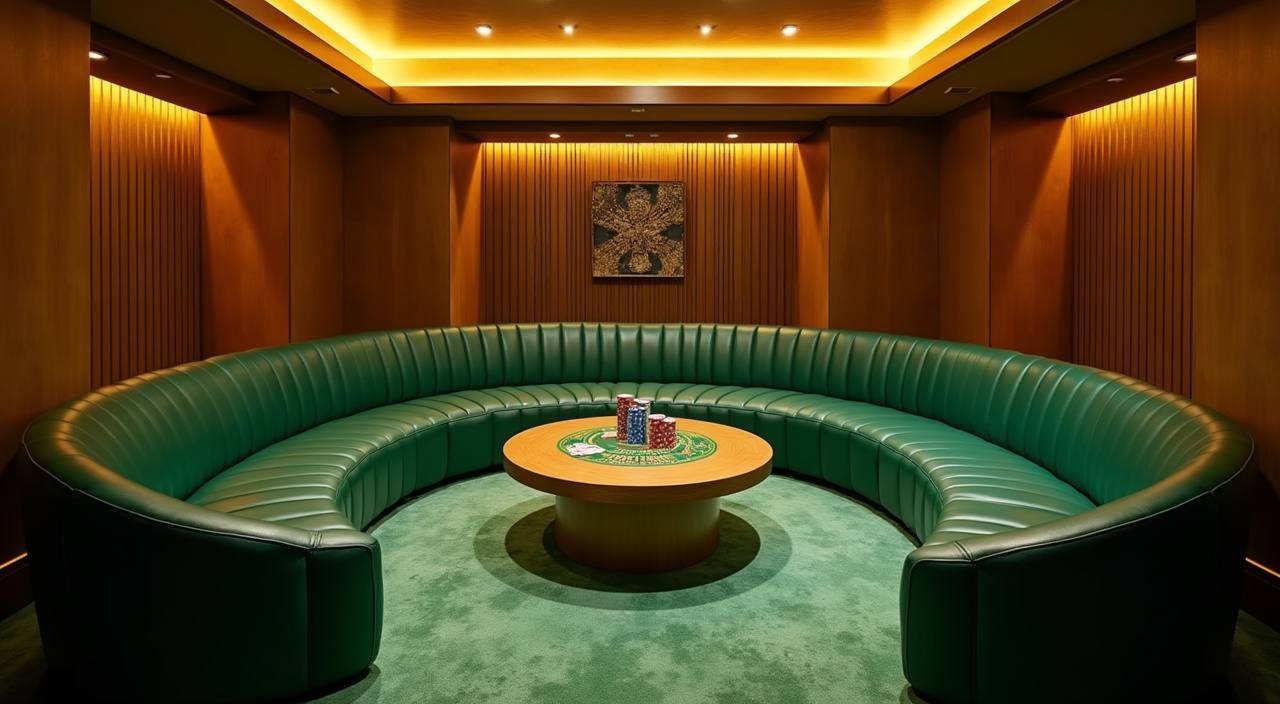







Explore Sic Bo and Rocket Crash

Game choice matters when you only have a few minutes, so we keep fast rounds and longer tables separated on the home lobby. You can jump from Sic Bo to Rocket Crash when you want short results, then move into Bingo, Mega Fishing, or Wild Wild Riches when you want a different pace. Our category tabs are built for phone
screens first, with the same account balance carried across casino, slots, and sportsbook areas. That makes the home page a practical starting point, not just a brand banner.
Check the home lobby numbers

Open your account in minutes
Account setup starts with your mobile number, username, password, and a wallet choice. After you submit those details, we ask you to confirm the account before you enter the cashier or game lobby. Keep your phone number active because support may use it to check payment questions or login recovery. Once your account is active, the home screen shows the
lobby, cashier, and help entry in the same place, so your next step is visible without searching through menus.
Switch between casino and slots
Check DANA and QRIS payments
Local payments should be easy to verify, so our cashier separates DANA, OVO, GoPay, and QRIS before you enter an amount. Deposits through these rails usually appear after the payment confirmation reaches our system, and the account page shows the updated balance once it is processed. For withdrawals, we match the request with your registered account details before release. If
a payment is delayed, send the transaction time and reference through live chat or WhatsApp during support hours.
See how we handle accounts
We earn your attention by showing how the home page works before you commit time to the lobby. Account access, payments, support, and security checks are placed in practical order.
Account verification
We connect each account to a mobile number and login credential, then use matching account details when you ask for wallet help or withdrawal processing.
Local cashier focus
The cashier is written for Indonesia use, with DANA, OVO, GoPay, and QRIS named clearly rather than hidden behind vague wallet labels.
Session protection
We recommend a private password, a current phone number, and logging out on shared devices, especially after using desktop browsers in public places.
Law-aware access
Eligibility depends on local law and is available only where local law permits, so account access may differ by location and verification status.

Use edan4d on mobile browser
Your phone is often the fastest way into the home lobby, so we keep the mobile path simple: open the site, enter your account, choose the lobby, then open the cashier if needed. The bottom menu keeps account, payments, and help within thumb reach. Live tables work better on a stable connection, while slots and crash-style rooms load in a
smaller frame. On desktop, the same account gives you a wider view for table history and category browsing.
Pick your Indonesia payment rail
The home page points you to the cashier without hiding the payment methods.
Return to casino and slots
Come back here when you want the game cards loaded by the lobby catalogue.
Protect your account before browsing

Security starts before you enter a room. Use a password you do not share elsewhere, keep your registered phone active, and avoid saving login details on borrowed devices. If you move between mobile and desktop, log out from the device you are leaving behind. Our support team can help with access recovery, but they will ask for account-matching details before
making changes. That protects your wallet and reduces disputes when payment questions come up later.
Reach support from the home page
Support is useful only when you can reach it quickly, so we keep help access close to the account and cashier areas. Contact us from 09:00 to 02:00 WIB through live chat or WhatsApp. For faster handling, send your username, payment method, transaction time, and a clear screenshot if money movement is involved.
Live chat
Use live chat for login help, lobby questions, and payment status checks. It is the quickest place to share your username and receive the next account step.
WhatsApp works well when you need to send screenshots or payment references. Our team may ask follow-up questions before changing account or wallet details.
Account checks
For password recovery or withdrawal questions, we verify matching account details first. This keeps requests tied to the registered profile, not just a message.
Start only where access is allowed
Before you create an account, check that access is allowed where you are. Eligibility depends on local law and is available only where local law permits. We also encourage you to set your own session plan before entering the lobby, including how long you want to stay and what amount you are comfortable using. The home page keeps account, cashier,
and help links visible so you can pause, check records, or contact us without losing your place.
Check answers before you join
These are the questions we expect you to ask before opening an account from the home page. The answers focus on account steps, local payment rails, device use, support access, and eligibility for Indonesia. If your case involves a specific transaction, contact support with the details shown on your receipt.